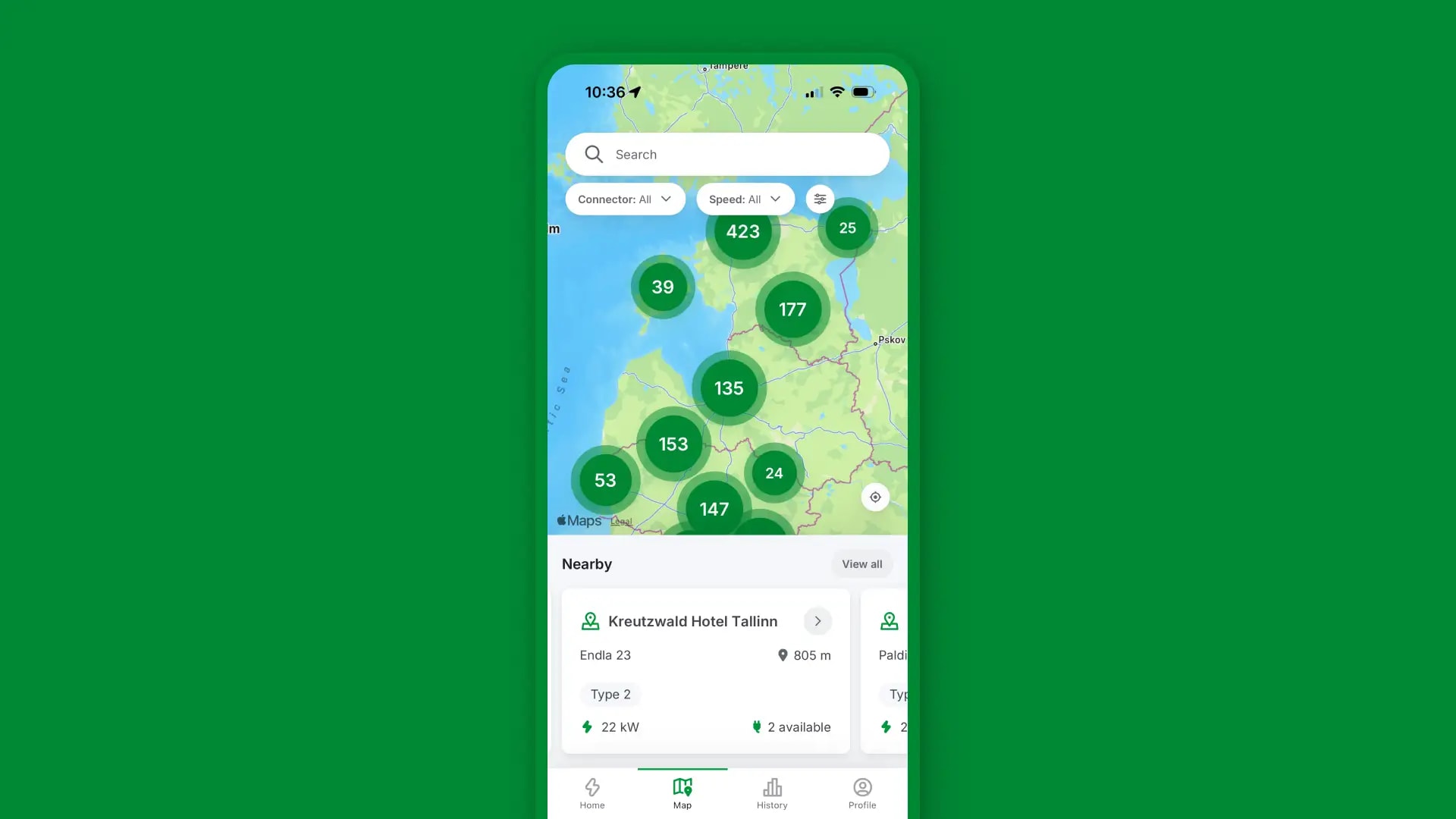
Enefit Charge
A convenient mobile app for charging your electric car at home and at work
Enefit Charge is no longer limited to home charging. If your employer uses Enefit’s charging solution, you can also charge your vehicle at work using the same app. This ensures your car is always charged efficiently and at the right time, wherever you are.
For employers, Enefit Charge provides a simple way to offer employees a convenient electric car charging solution and manage all charging through a single system.

Schedule charging to suit your needs
With the Enefit Charge app, you can lower your charging costs – the smart system automatically schedules charging during the cheapest hours on the power exchange. You can also create scheduled profiles to set charging times that suit you.

Manage multiple chargers in a single app view
Managing multiple chargers at home or at work is easy with our web-based Charger Portal.
There, you can conveniently manage all home and workplace chargers from one place, configure access rights, and grant access to guests or colleagues whenever needed.

5 steps to start charging
1
Download the app
First, download the Enefit Charge app to your smart device from Google Play or the App Store.
2
Enter your car details
The Enefit Charge app can connect to all electric cars listed on Enode. For an easier setup, connect your vehicle via the Enode website and grant the Enefit Charge app permission to optimise charging.
If your electric car is not on the list of supported vehicles, enter the relevant vehicle information into the app manually, including battery capacity in kilowatt-hours. Make sure the details are correct, as they determine the accuracy of the app’s background calculations.
3
Connect the charging card
The charger comes with a charging card (RFID card) that can also be used to activate charging. Enter the number on the back of the card into the mobile app to link it to your account.
4
Grant access
If you want to share your charger with family or friends, log in to the Enefit Charger Portal. This portal lets you manage access to your charger. Only the owner of the charger can share access with others. If you wish to change the owner of the charger, please contact us at [email protected].
5
Select the appropriate charging mode
Smart charging allows you to optimise your charging session based on the best available exchange price. To use smart charging, set up a charging profile under Account > Charging Profiles. Name your smart charging profile, set the desired battery charge level and choose a charging end time (when charging should be completed).
Scheduled charging allows you to set your own start and end times. The charger charges as much as it can during these hours without taking into account the exchange price.
Instant charging is the fastest and easiest of the three options. Charging starts immediately after activation and continues until the battery is fully charged, operating at the maximum speed.
We are continuously developing the Enefit Charge app to make using chargers even more convenient and beneficial for customers. Our next goal is to merge public and home charging apps into one app. We are looking for test users who would be willing to share their suggestions or ideas to help shape product development. If you are interested, please contact us by email at [email protected].
To get the Enefit charging solution for your home, request a quote or find out more on our homepage. If you have any questions, our customer support team is ready to help by phone on 777 3030 or by e-mail at [email protected].
